Not using Microsoft Entra ID Administrative Units (AUs) expands the scope of privileged roles across the entire tenant. Broad-scoped privileges increase blast radius if an admin account or app is compromised and make least-privilege delegation difficult to enforce.
Usage of Administrative Units enhances tenant’s protection against threats. When planning your access control strategy, there are three aspects to consider when you assign a role to your administrators: a specific set of permissions, over a specific scope, for a specific period of time. The least privilege means you grant your administrators exactly the permission they need to do their job. By limiting scopes with Administrative units, you limit what resources are at risk if the security principal is ever compromised.
Real-World Scenario
A helpdesk group is granted User Administrator at tenant scope because no AUs exist. An attacker phishes a helpdesk technician and uses the token to reset passwords or modify MFA for users company-wide, establishing persistence by adding a backdoor app registration. With AUs, that role could have been scoped to a single department or region, limiting impact to a small subset of users. Cayosoft Guardian would detect that AUs aren’t in use (CTD-000007), prompting the team to implement scoped delegation before the compromise.
Stop Privilege Escalation—Then Undo It with Cayosoft Guardian
Audit & Restore
Real-time alerts across AD & Entra ID with one-click rollback.
Detect this and other threats with Cayosoft Guardian Protector (Free of Charge)
1.) Download Cayosoft Guardian Protector for free real-time threat detection and monitoring of your hybrid AD and Microsoft 365 environment. Once downloaded, sign in and navigate to the Threat Detection Dashboard.
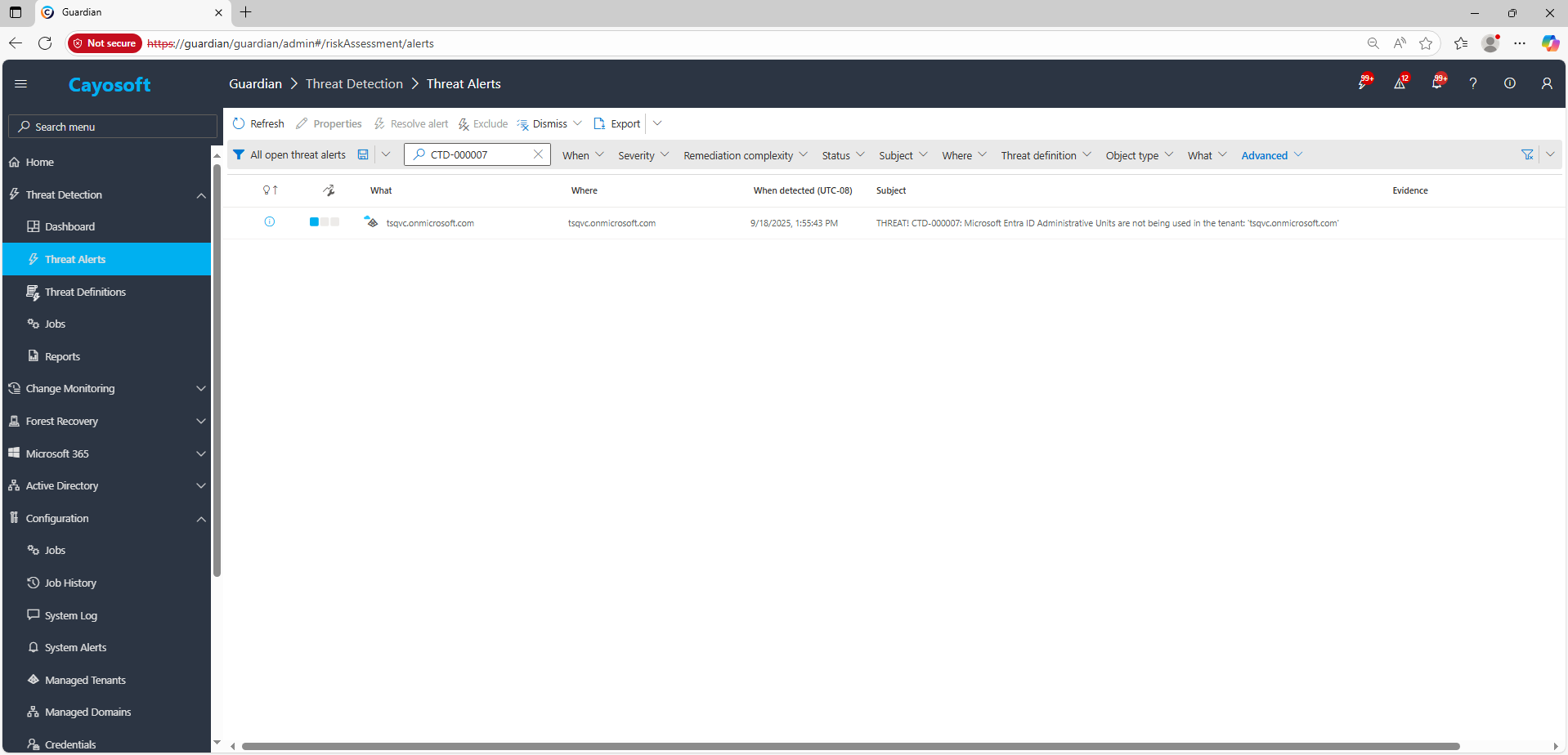
2.) Open All Alerts and search for CTD-000007 or Microsoft Entra ID Administrative Units are not being used.
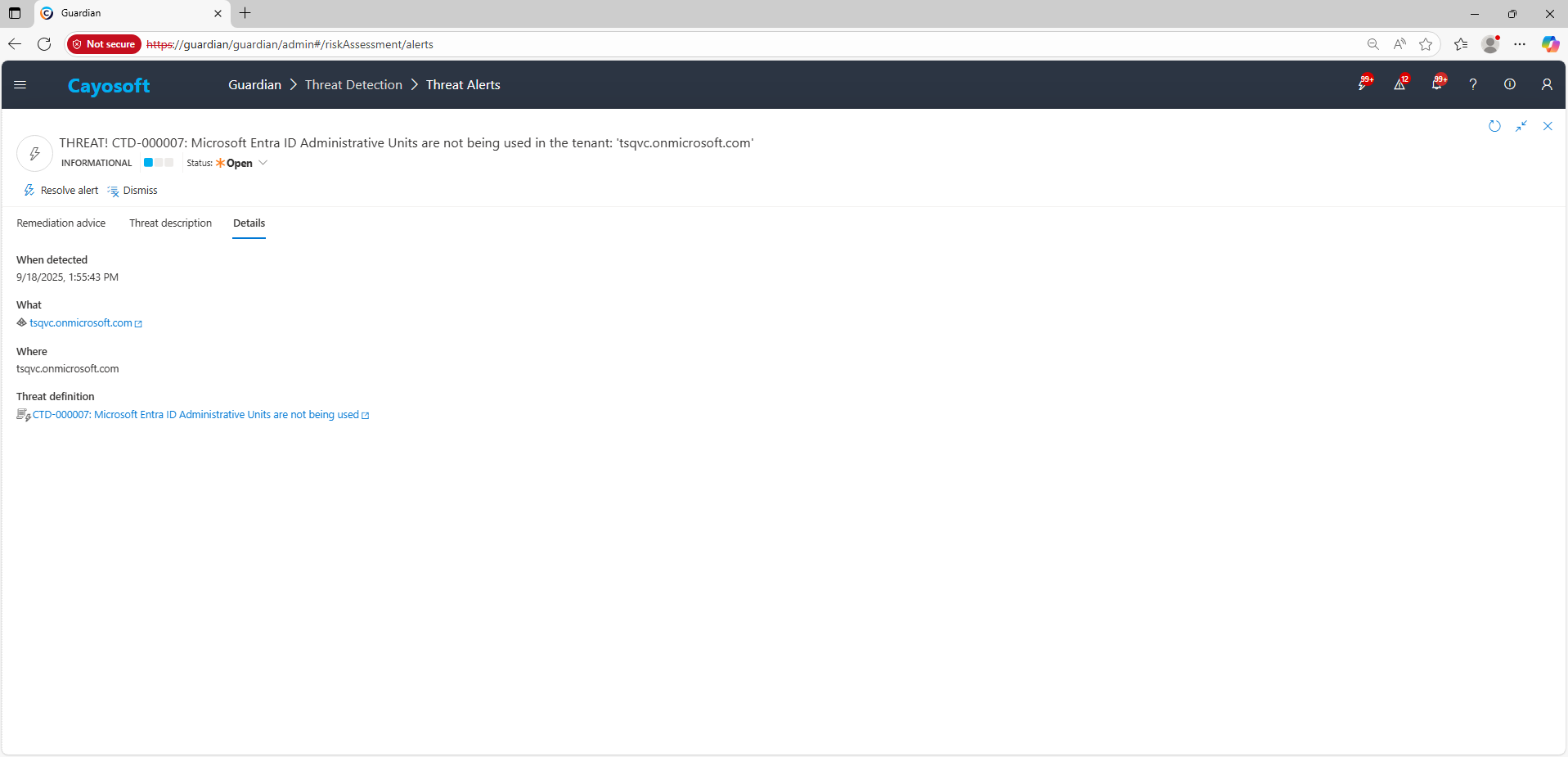
3.) Open any alert and Click for details (from Raise Threat Alert action).
Remediation Steps
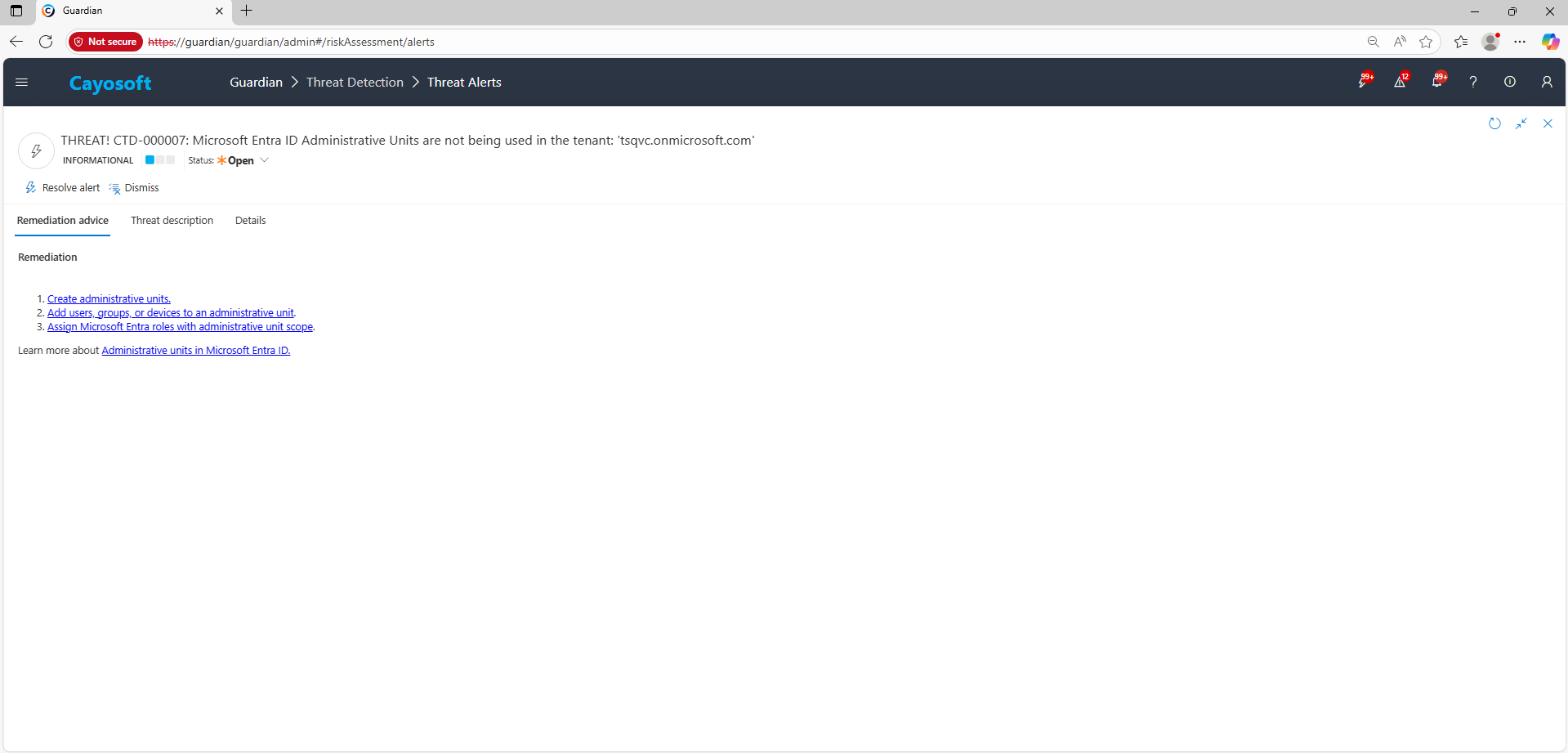
Using the remediation advice in Cayosoft Guardian, follow these steps to remove the vulnerability:
Cayosoft Guardian can proactively detect and alert on Microsoft Entra ID Administrative Units are not being used. It continuously monitors Active Directory, Entra ID, Microsoft 365, and Intune for over 200 misconfigurations, providing early warning before attackers can exploit them.
Without Administrative Units, Entra ID roles are assigned at the tenant-wide level. That means if one privileged account is compromised, the attacker can affect every user, group, and device in the organization instead of a limited scope.
Administrative Units allow you to assign directory roles over specific subsets of users, groups, or devices. This limits exposure and ensures administrators can only manage what they are responsible for.
Yes. You can maintain certain global roles while delegating others through Administrative Units. This is useful when combining centralized security oversight with decentralized administration.
Proactive monitoring and timely remediation of configuration risks is essential to maintaining a secure Active Directory and Microsoft 365 environment. By addressing issues like Microsoft Entra ID Administrative Units are not being used, you reduce attack surfaces and strengthen your organization’s overall security posture.